- First, check whether your device supports eSIM.
- A SIM card requires an unlocked phone.
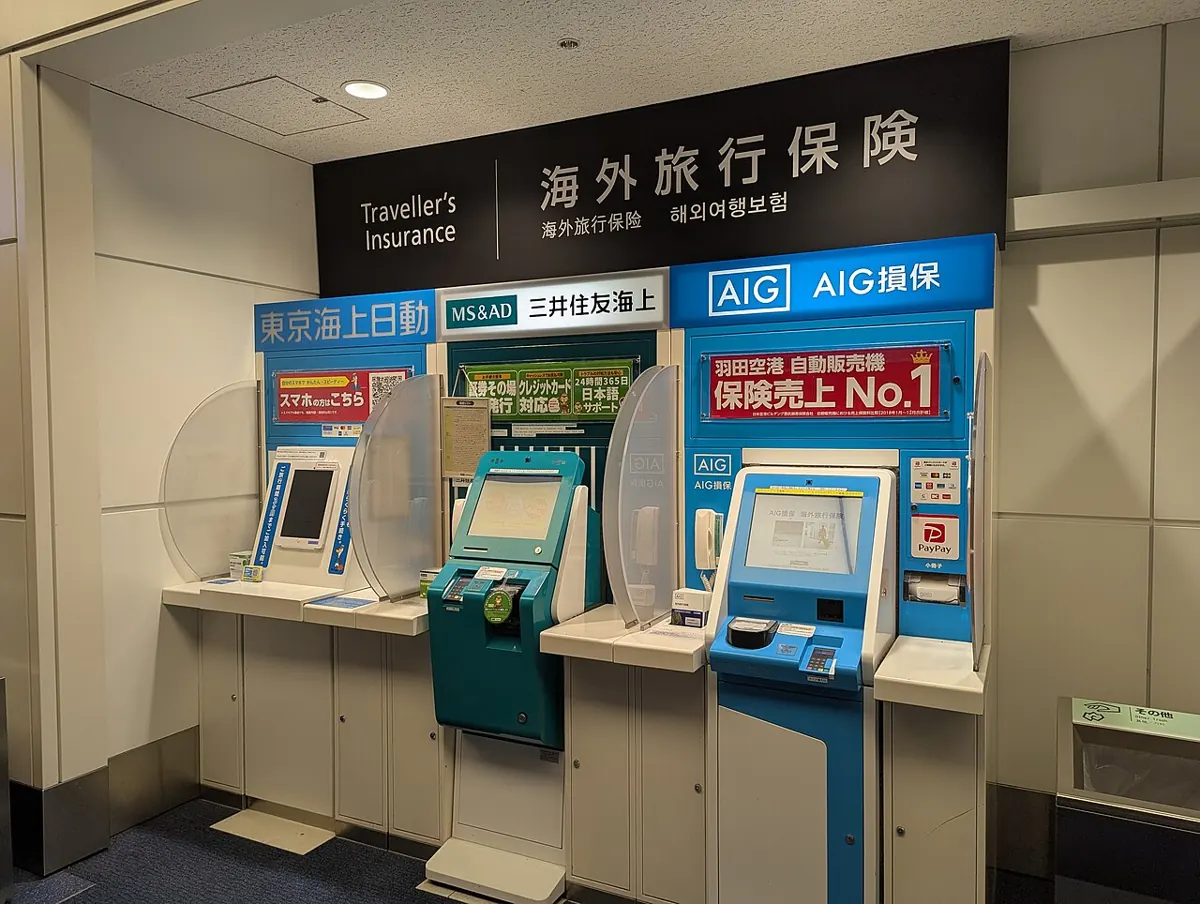
- Pocket Wi-Fi can be picked up at the airport or delivered to your hotel.
- Japan SIM also offers a 260 yen plan.
Which option should I choose?
Start by comparing device compatibility and pickup options to make choosing easier.
| Item | Best suited for | What to check first |
|---|---|---|
| eSIM | If you want to download the profile before departure and connect immediately after arriving in Japan | Phone and Carrier eSIM Support |
| SIM card | If you want to buy or rent a SIM card at an airport or electronics store | Whether Your Phone Is Unlocked |
| Pocket Wi-Fi | If you want to rent a separate personal hotspot and connect via Wi-Fi | Airport pickup or hotel delivery |
| Free Wi-Fi | If you want to connect at an airport terminal or participating facility | Availability at the accommodation and signal quality |
JNTO recommends renting Wi-Fi if you need a stable connection in outlying areas. Major international airport terminals offer free Wi-Fi, but connection methods vary by airport.
Will eSIM work on my phone?
Don’t check only the model name—confirm that both your phone and carrier support eSIM.
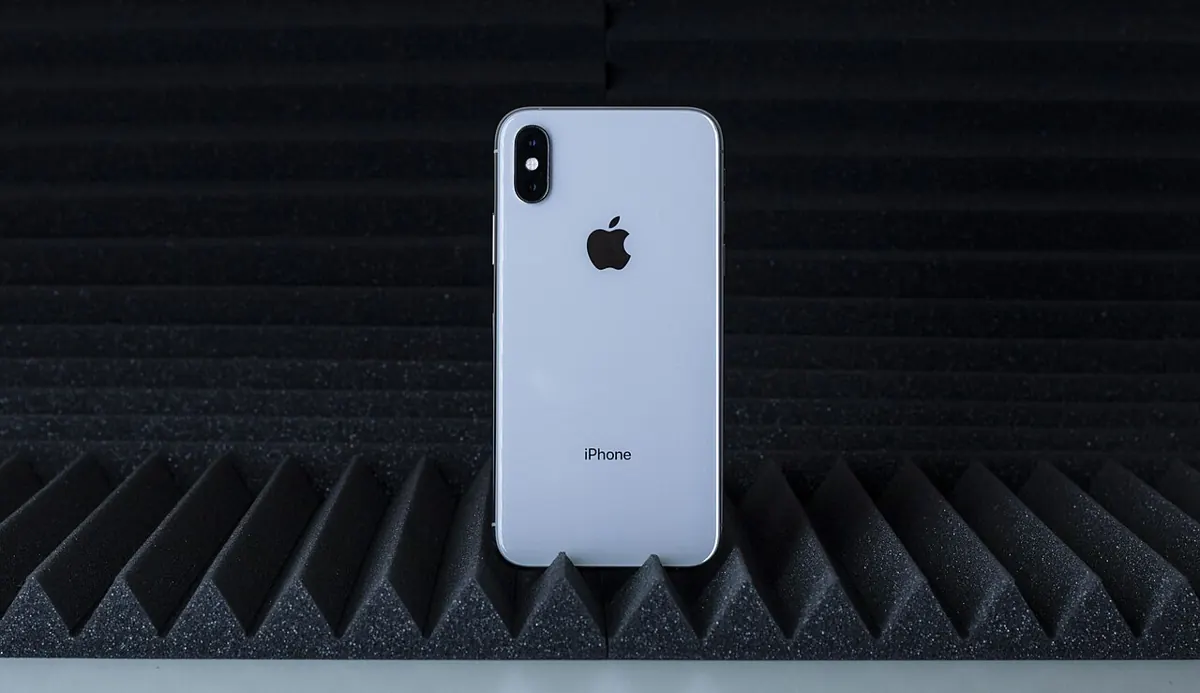
- The basic requirement is an iPhone XS, iPhone XS Max, iPhone XR, or later model.
- Pixel 4 and later models support eSIM.
- eSIM will not work on a Pixel 3a purchased through Verizon or in Japan.
- eSIM support on the Pixel 3 varies by carrier and country of purchase.
- NTT DOCOMO does not guarantee operation on devices purchased outside its stores.
Separate requirements apply to eSIM-compatible iPhone models in mainland China. If your device was purchased in another country, check the official guidance from Apple and your carrier again.
What should you check when choosing a SIM card?
Your phone must be unlocked to use a Japan SIM card.

- JNTO states that various data plans are available for purchase at major airports based on your needs.
- You can also buy SIM cards at electronics stores such as Bic Camera and Yodobashi Camera.
- The approximate listed price is 3,000 yen for 1GB over 30 days.
- Pixel phones can use nano SIM cards. However, US versions of Pixel 10, 10 Pro, and 10 Pro XL cannot use physical SIM cards, and some older SIM cards are not supported on Pixel 8 and later devices.
- Plan details may vary, so check the official information before purchasing.
How much does a Japan eSIM cost?
povo Japan SIM offers both fixed-data and unlimited plans.
| Item | Validity period | Price |
|---|---|---|
| 3GB | 3 days | 600 yen |
| 5GB | 5 days | 900 yen |
| 10GB | 7 days | 1,430 yen |
| 20GB | 30 days | 2,700 yen |
| Unlimited data + 0.5GB | 5 days + 60 days | 2,510 yen |
| Unlimited data + 0.5GB | 7 days + 60 days | 3,390 yen |
Data-based plans are activated immediately after purchase. Unlimited plans are provided via promo code and can be started whenever needed before the stated expiration date.
Dealdamda Calculator
Which is better: buying 3GB and 5GB separately, or getting 10GB?
- 3GB · 3 days¥600
- 5GB · 5 days¥900
- Total when purchased separately¥1,500
- 10GB · 7 days¥1,430
With this itinerary, You save ¥70.
Calculation basis: A simple comparison of official prices for povo Japan SIM data plans.
Offers you can use for this trip

50% cashback for first-time Usimsa customers
First-time customers also receive a discount coupon and a prize.

Up to 50% off KKday SIMs and Wi-Fi worldwide
Applies to eligible SIM and Wi-Fi products worldwide.
View all offers from this brand · View all offers from this brand
How should I set it up before departure?
Prepare by checking compatibility, purchasing a plan, and installing the profile in that order.
- Check whether your phone model and carrier support eSIM.
- Have a network connection ready, such as Wi-Fi or a hotspot, to download the profile.
- Select Sign Up / Sign In on the Japan SIM page.
- Select Get Started or Log In.
- Choose and purchase a data add-on.
- Follow the instructions provided to download the eSIM profile to your phone.
If you accidentally delete the eSIM profile, you may need to have it reissued. Keep the purchase instructions and QR code until setup is complete.
How do I install an eSIM on iPhone using a QR code?
Scan the QR code provided by your carrier with your camera and add the mobile plan.
- Use your camera app to scan the QR code provided by your carrier.
- Tap the Mobile Plan Detected notification.
- Tap Continue at the bottom of the screen.
- Tap Add Mobile Plan.
- If prompted for a verification code, enter the number provided by your carrier.
On iOS 17.4 or later, you can also press and hold a QR code in the default Mail app or browser, then select Add eSIM. Installation via a link, carrier app, or manual entry is also supported.
Where can I pick up my Pocket Wi-Fi?
Pick it up at a rental counter in a major airport, or reserve in advance for delivery to your hotel.

- Compare plans from multiple providers and choose the one that fits your itinerary.
- Check whether Wi-Fi is provided when booking your accommodation.
- Free public Wi-Fi is convenient, but the signal may be unstable or slow.
- Accommodations in mountainous or rural areas may not offer Wi-Fi.
- Check the provider’s official information for rental fees and pickup/return conditions.